Kakuchi
design One-time paymentEvery widget your Mac is missing
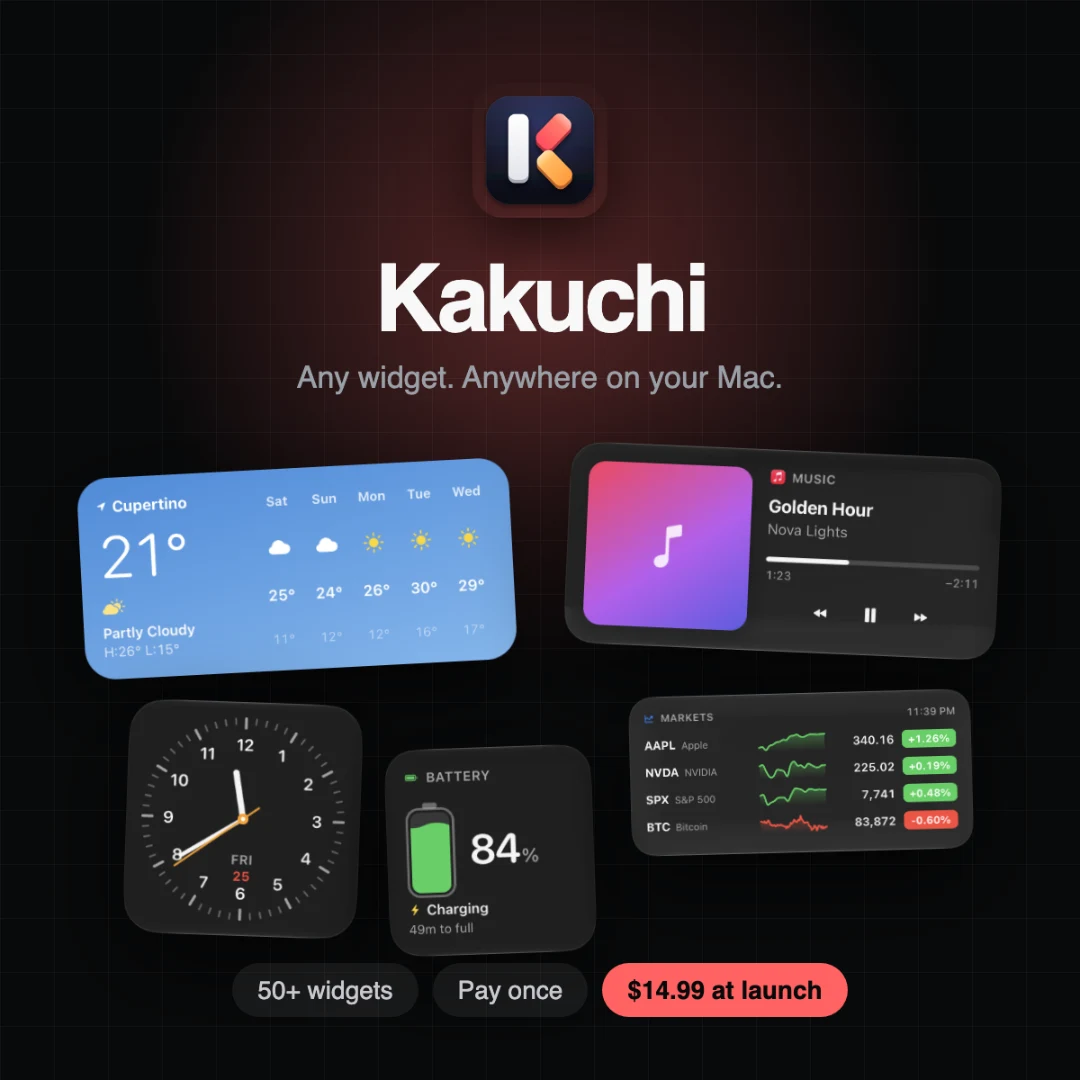
Kakuchi is a design tool built by @hmarora designed for Mac users who want a useful, good-looking desktop: developers, designers, students and people who love setting up their Mac. Every widget your Mac is missing Solves key challenges around apple’s mac widgets are limited. you only get what app makers offer, in fixed sizes, and they stay hidden on the desktop behind your windows. Pricing model: one-time payment.
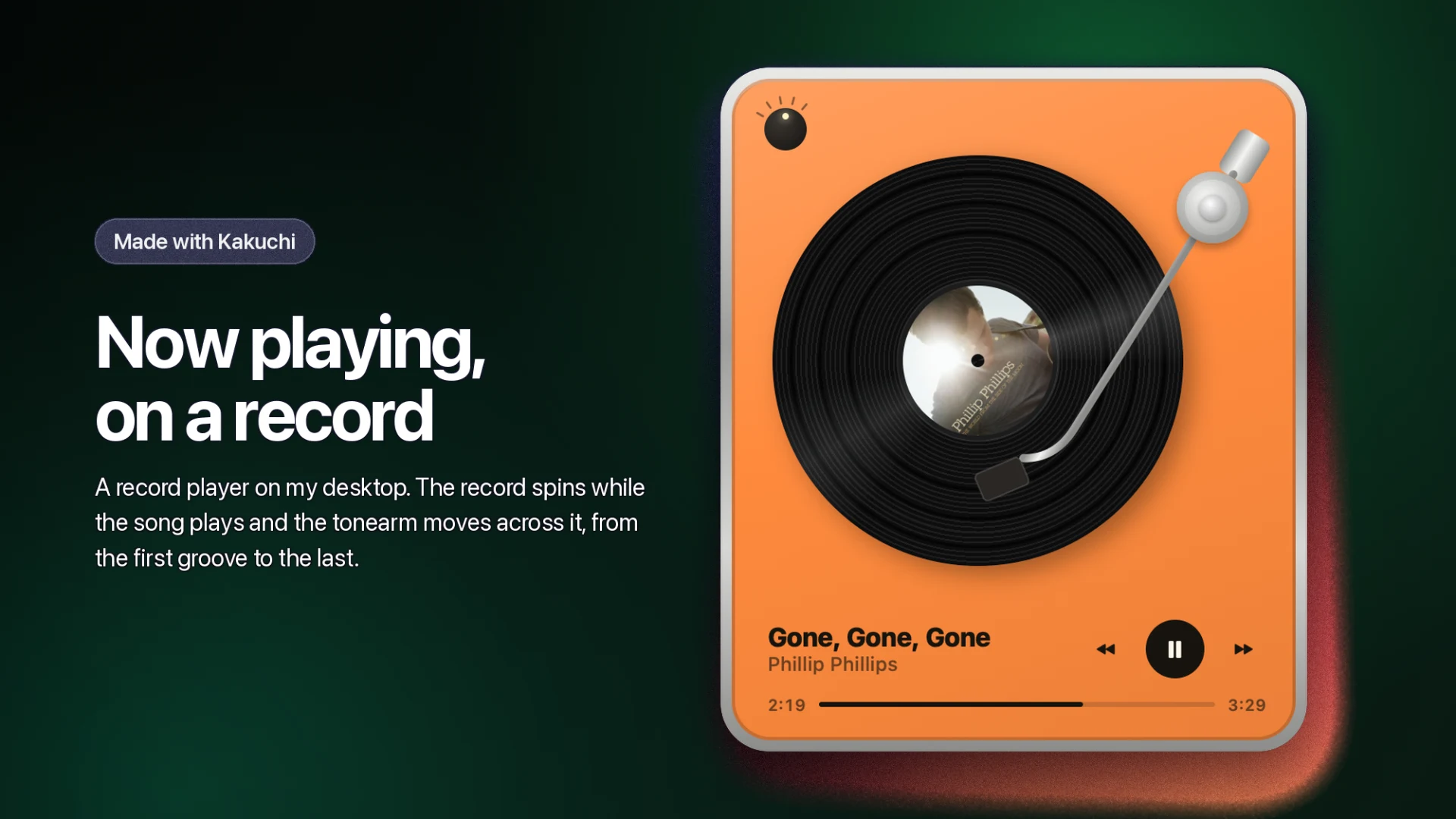
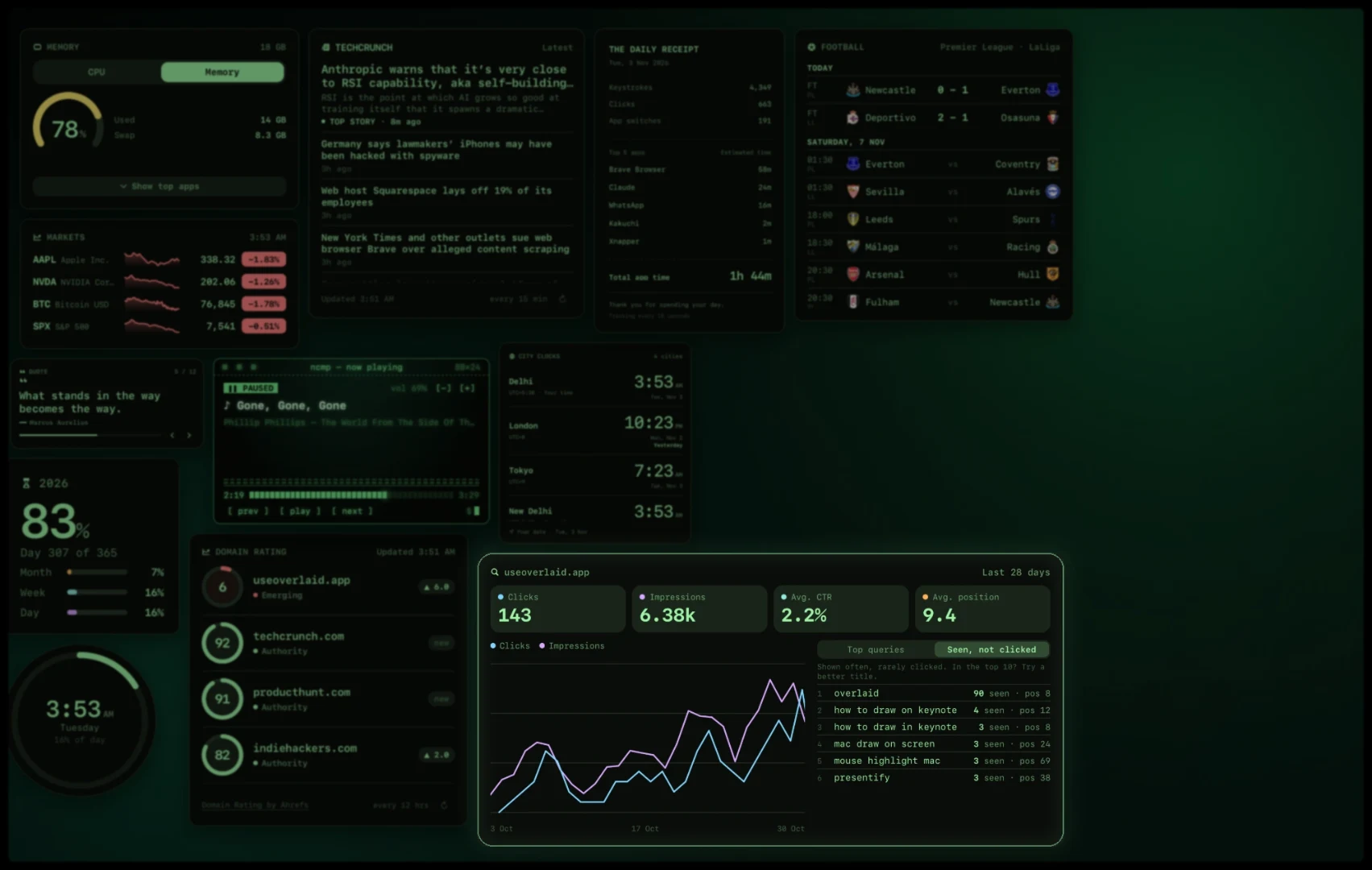
Product Demo & Walkthrough
About Kakuchi
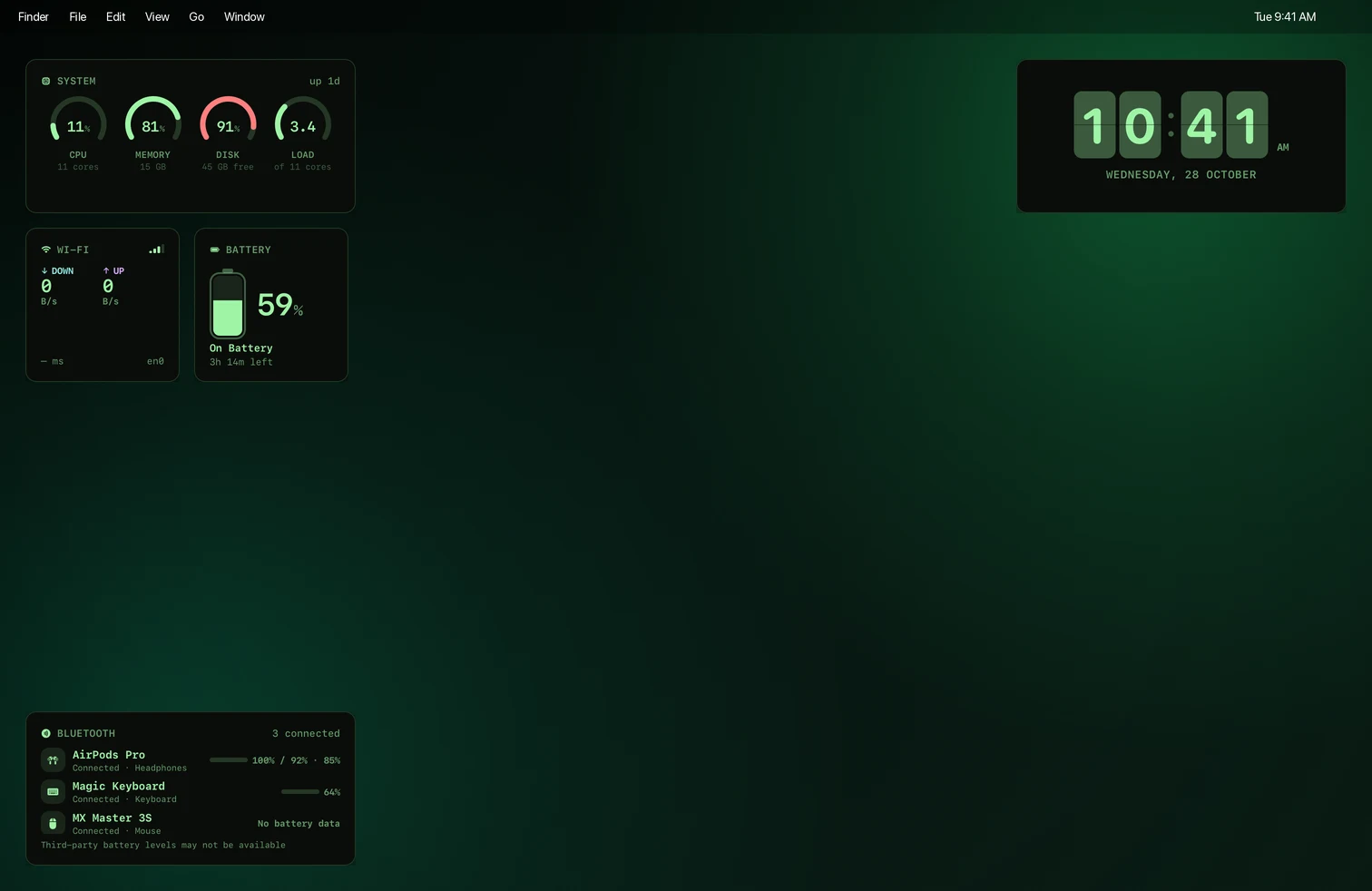
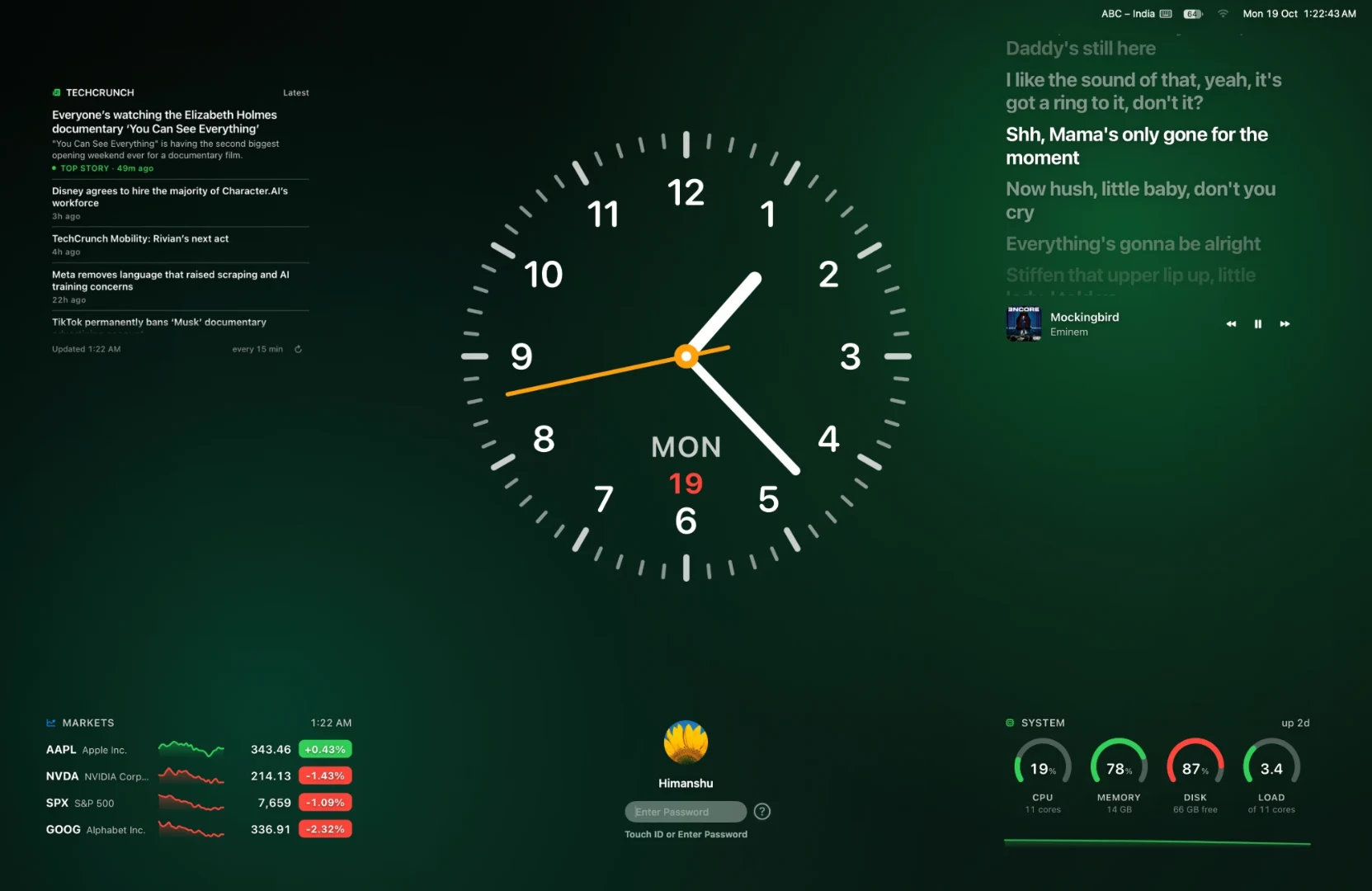
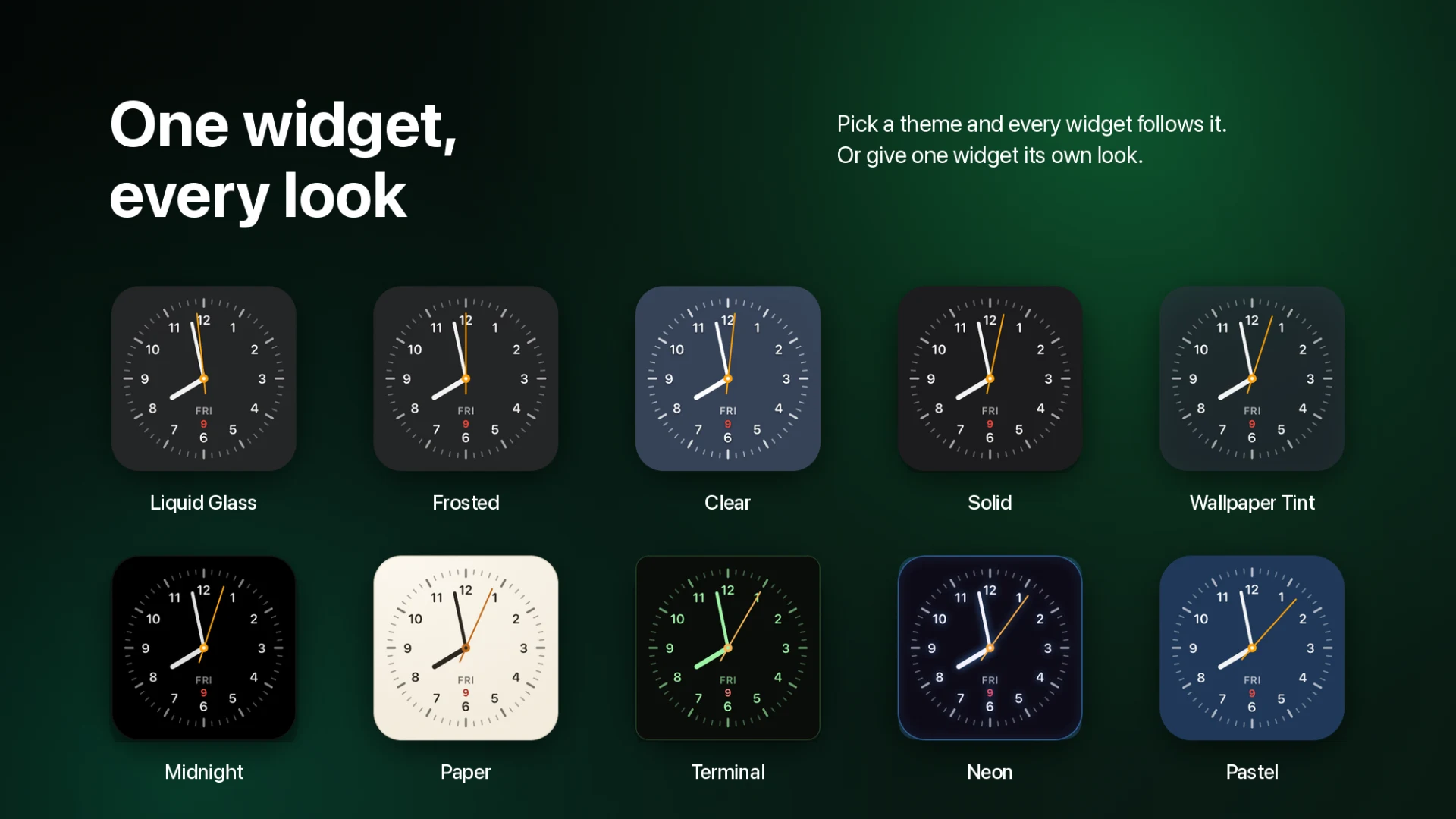
Kakuchi brings real widgets to the Mac and lets you put them wherever you look. Place them on the desktop, in the MacBook notch, on the lock screen, in the menu bar or on top of other windows. It comes with 50+ widgets, from clocks, calendar and weather to system stats, markets and music with lyrics, in eleven themes including Liquid Glass. If a widget doesn’t exist yet, describe it in plain words and Kakuchi builds it. Double-tap and hold Control to see all your widgets over any app, even full-screen ones. Widgets you make can be shared with other Kakuchi users.
Product Overview
Who is it for?
Mac users who want a useful, good-looking desktop: developers, designers, students and people who love setting up their Mac
What makes it unique?
Widgets anywhere on your Mac, not only the desktop, and you can make any widget you want just by describing it.
Problem it's solving
Apple’s Mac widgets are limited. You only get what app makers offer, in fixed sizes, and they stay hidden on the desktop behind your windows
Solution it's providing
Kakuchi gives you 50+ widgets, lets you build your own by describing them, and shows them where you actually look: the notch, the lock screen, the menu bar, or over any app with a quick Control double-tap
Specifications & Taxonomy
Alternative to
Frequently Asked Questions
Can I add widgets to my Mac desktop?
Yes. Kakuchi puts widgets on your desktop, in the notch, on the lock screen and in the menu bar. Pick from 50+ or make your own.
Do I need to code to make a widget?
No. Describe what you want, like “my next meetings and the weather”, and Kakuchi builds it.
Built by
by @hmarora
Independent maker on ShowBuild
Comments (0)
No comments yet.